Imagine you’ve just finished a Zoom call, your coffee mug is half‑empty, and you glance around your makeshift work nook. Papers are stacked, cords are tangled, and the whole space feels cramped. With the right home office desk ideas and organization plan, you can transform that chaos into a sleek, functional hub that boosts productivity and looks great on a video call. In the next 30 minutes, you’ll learn exactly what you need, step‑by‑step, to pick a desk, set up storage, tame cables, and add ergonomic touches—all without breaking the bank.
In This Article
- What You Will Need (Before You Start)
- Step 1: Assess Your Space and Define Your Workflow
- Step 2: Choose the Right Desk Shape and Size
- Step 3: Implement Smart Storage Solutions
- Step 4: Cable Management and Power Access
- Step 5: Personalize with Ergonomic Accessories
- Common Mistakes to Avoid
- Tips for Best Results (Troubleshooting)
- FAQ
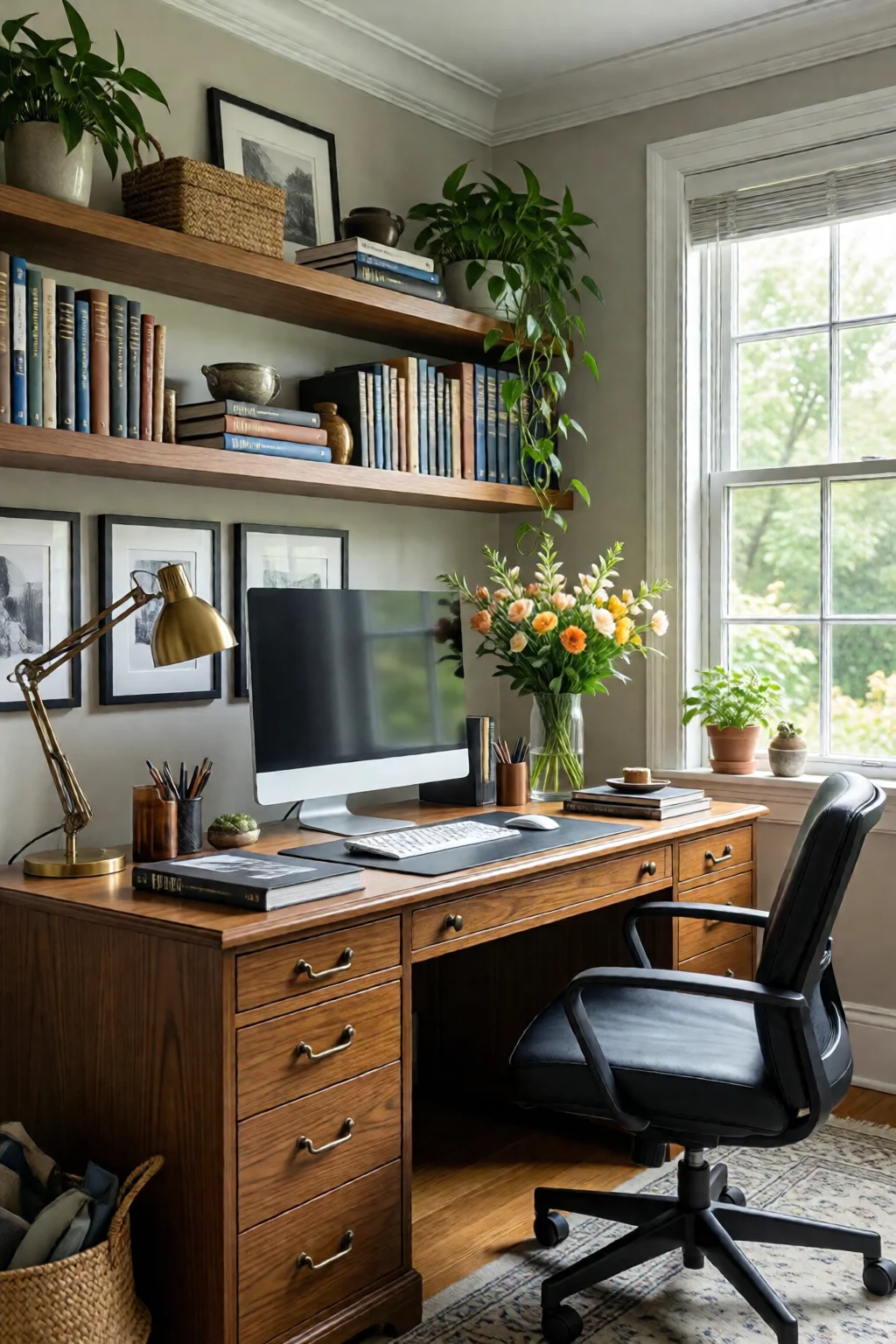
What You Will Need (Before You Start)
- Measuring tape (or a laser measure) – you’ll need accuracy to the nearest half‑inch.
- Graph paper or a free room‑planner app (e.g., Planner 5D) – to sketch layouts.
- Desk – options include the IKEA Bekant (63″ × 31″, $299, adjustable height) or the Fully Jarvis standing desk (48″ × 30″, $559, 29‑50″ height range).
- Storage units – think IKEA Kallax (15‑cube, $99) or a set of Uline File Box #212 (½‑gal, $12 each).
- Cable management tools – J Channel raceways ($8 per 6‑ft), Velcro straps ($5 for a pack of 10), and a power strip with USB (Anker PowerPort 6, $24).
- Ergonomic accessories – Monitor arm (Ergotron LX, $199), keyboard tray (Mount-It! KB‑75, $39), and an ergonomic chair (Herman Miller Sayl, $495).
- Lighting – a daylight LED desk lamp (BenQ e-Reading, $149) and optional home office lighting ideas task light for ambience.
- Decor accents – a small plant (Snake Plant, $25), a few framed prints, and a desk organizer (Yamazaki Desk Caddy, $22).
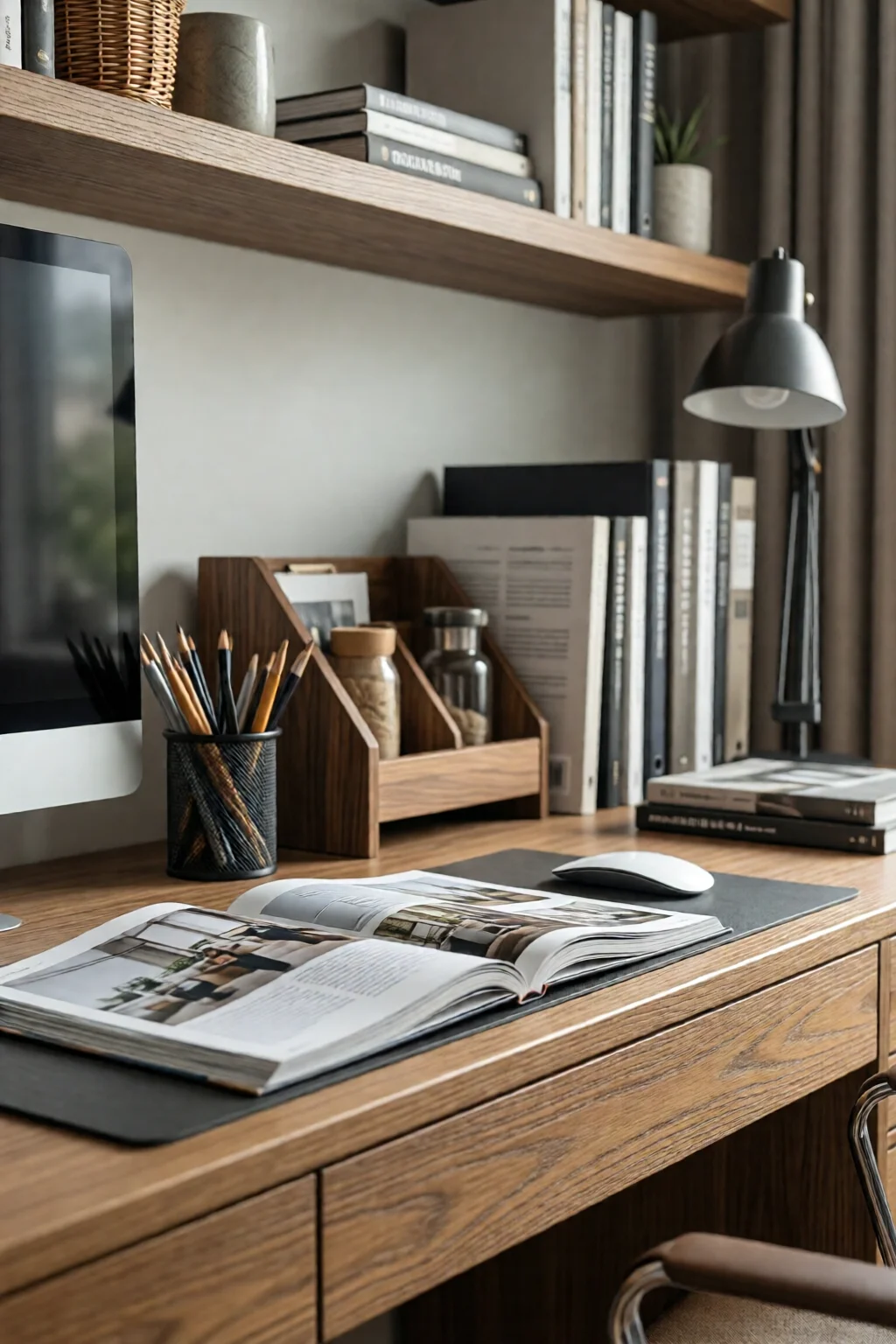
Step 1: Assess Your Space and Define Your Workflow
Before you start buying, you need to understand how you actually work. Do you need a large surface for dual monitors, or is a compact writing space enough? Do you frequently reference physical files, or is everything digital? Write down your top three daily tasks and note the equipment each requires.
Measure and Map
Take precise measurements of the room’s length, width, and ceiling height. Sketch a floor plan on graph paper, marking doors, windows, and electrical outlets. In my experience, placing a desk within 18‑24″ of a power outlet saves you from adding costly extension cords later. If you have a window with natural light, orient the desk so the light hits your screen at a 45‑degree angle to reduce glare.
Step 2: Choose the Right Desk Shape and Size
The desk is the anchor of your office. Here are three proven configurations:
- Rectangular desk – Ideal for narrow rooms; provides a long surface for a monitor arm and a laptop. The IKEA Bekant fits most spaces at 63″ length.
- L‑shaped desk – Perfect for corner rooms, offering separate zones for computer work and paperwork. The Bush Furniture Cabot (60″ × 48″ each wing, $449) is a sturdy option.
- Floating desk – Great for small apartments. A wall‑mounted desk like the Sauder Harbor View (48″ × 24″, $199) keeps the floor clear for a rolling chair.
When selecting a desk, keep the “rule of thirds” in mind: leave at least 30″ of clearance behind your chair for movement, and a 24″ depth for a monitor and keyboard comfortably.
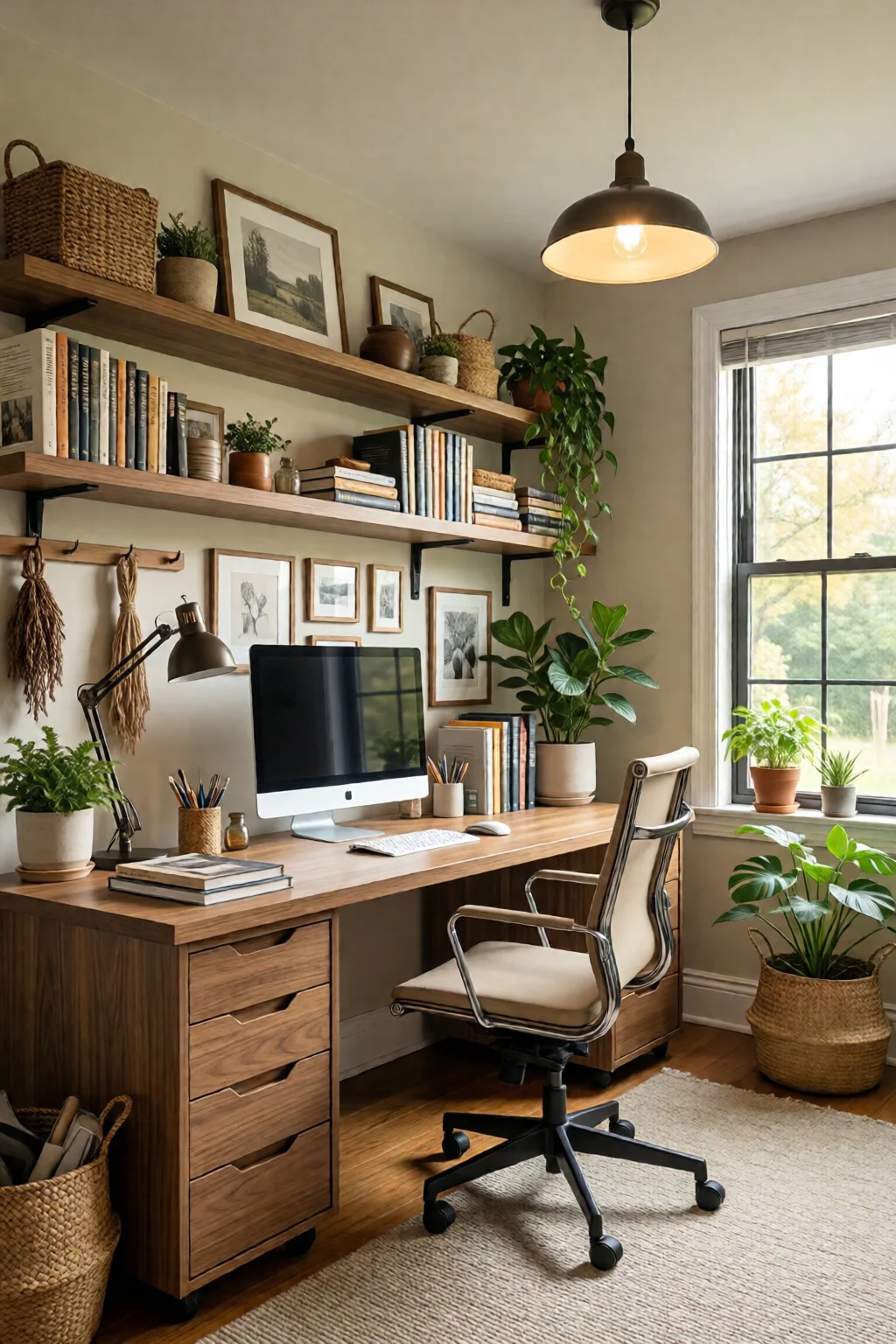
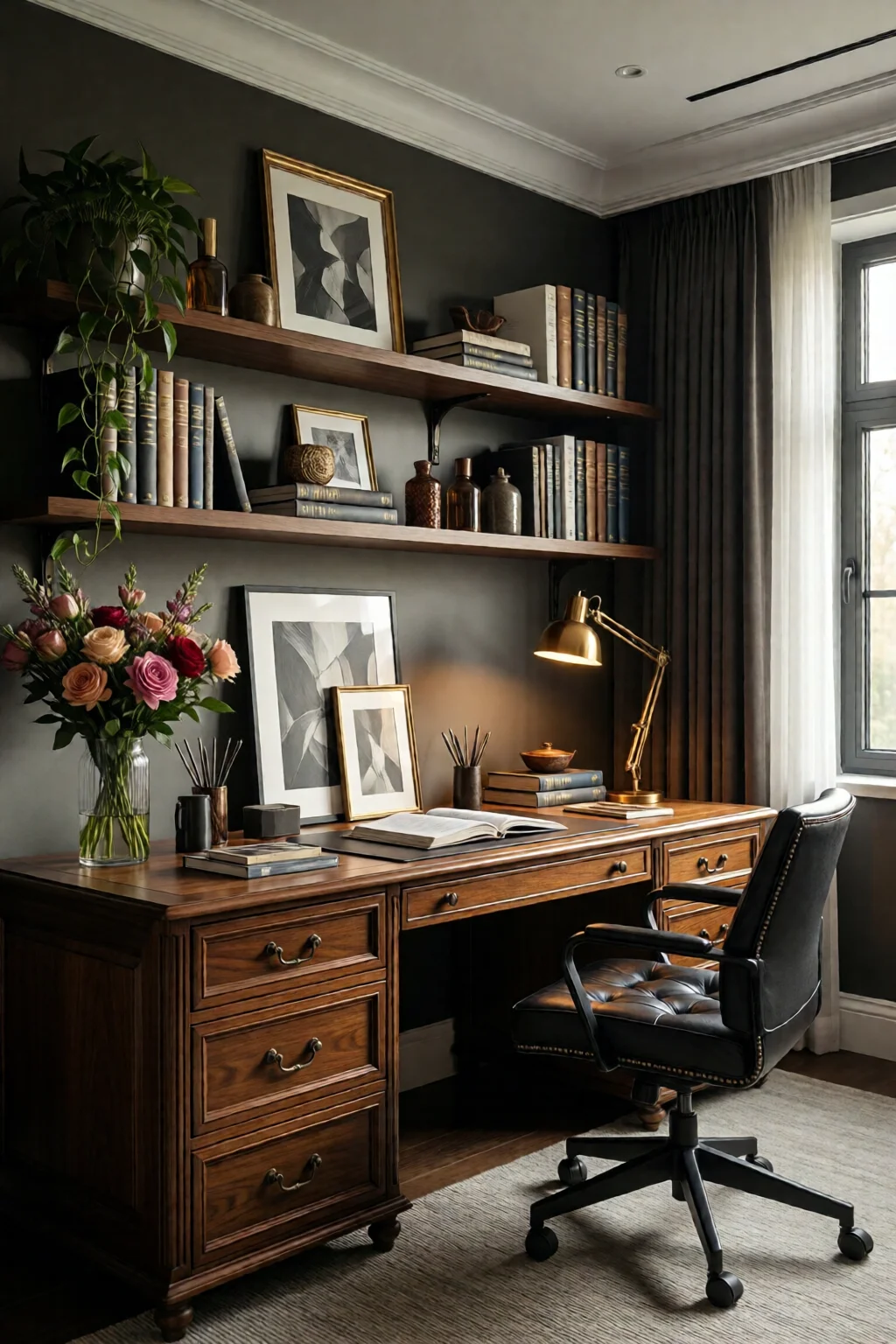
Step 3: Implement Smart Storage Solutions
Clutter is the enemy of focus. Below are my go‑to storage hacks that work with any desk style:
- Vertical filing – Use a narrow 12″‑wide filing cabinet (HON Bolster, $149) placed beside the desk. It stores legal‑size files without eating floor space.
- Cube organizers – Stack IKEA Kallax cubes with inserts for books, office supplies, and a hidden box for personal items. Adding front‑facing doors ($4 per door) keeps the look tidy.
- Under‑desk drawers – The laundry room makeover ideas budget often include repurposed rolling carts. A 12‑inch deep, 24‑inch wide rolling drawer (IKEA RÅSKOG, $39) slides under the desk for easy access.
- Wall‑mounted pegboards – A 48″ × 24″ pegboard ($22) with hooks holds headphones, a calculator, and small tools, freeing desk surface.
One mistake I see often is over‑relying on decorative baskets that look pretty but hide paperwork inside, making retrieval slow. Choose clear acrylic trays or labeled bins to keep items visible.
Step 4: Cable Management and Power Access
Messy cords can turn a sleek workspace into a hazard. Follow these steps:
- Run all cords through a cable raceway (J Channel, $8 per 6‑ft) that adheres to the underside of the desk.
- Bundle cables that travel together with Velcro straps ($5 per pack) – they’re reusable and don’t crush wires.
- Install a power strip with USB ports (Anker PowerPort 6) at the back of the desk. This centralizes charging for phones, tablets, and the monitor.
- Label each cord with a small tag (e.g., “Printer”, “Desk Lamp”) using a label maker ($25 for a Brother PT‑D210). This saves you time when you need to unplug something.
In my own home office, I placed the power strip on a small riser made from a reclaimed wood crate, turning a functional item into a decorative accent.
Step 5: Personalize with Ergonomic Accessories
Now that the foundation is solid, add comfort and style:
- Monitor arm – Mount your screen at eye level (Ergotron LX, $199). This frees desk space and reduces neck strain.
- Keyboard and mouse – Choose an ergonomic keyboard (Logitech K780, $79) and a vertical mouse (Evoluent VerticalMouse, $99) for wrist health.
- Chair – Invest in a chair with adjustable lumbar support. The Herman Miller Sayl, at $495, pays for itself in improved posture.
- Floor mat – If you’re using a standing desk, a anti‑fatigue mat (Topo Comfort, $119) reduces foot fatigue.
- Ambient decor – Add a small plant (Snake Plant, $25) for air quality, and a motivational print (e.g., “Stay Focused”) for visual interest.
Remember to keep the desk surface clear of non‑essential items; a clutter‑free zone enhances focus and makes video calls look professional.
Common Mistakes to Avoid
Even with a solid plan, many home‑office creators stumble over the same pitfalls:
- Choosing a desk that’s too big – Over‑sized desks dominate a room, leaving no space for movement. Measure first.
- Ignoring lighting – A single overhead light can cause glare. Pair it with a task lamp (BenQ e‑Reading, $149) and, if possible, position near a window.
- Neglecting ergonomics – Skipping a monitor arm or an adjustable chair leads to back pain within weeks.
- Relying on single‑purpose storage – Using only a drawer for everything creates chaos. Mix vertical, horizontal, and hidden storage.
- Over‑decorating – Too many decorative objects become visual noise. Stick to a few purposeful pieces.
One mistake I see often is buying a cheap desk without checking weight capacity. A lightweight particleboard desk may sag under dual monitors, costing you a replacement in a year. Opt for solid wood or metal frames when you need durability.
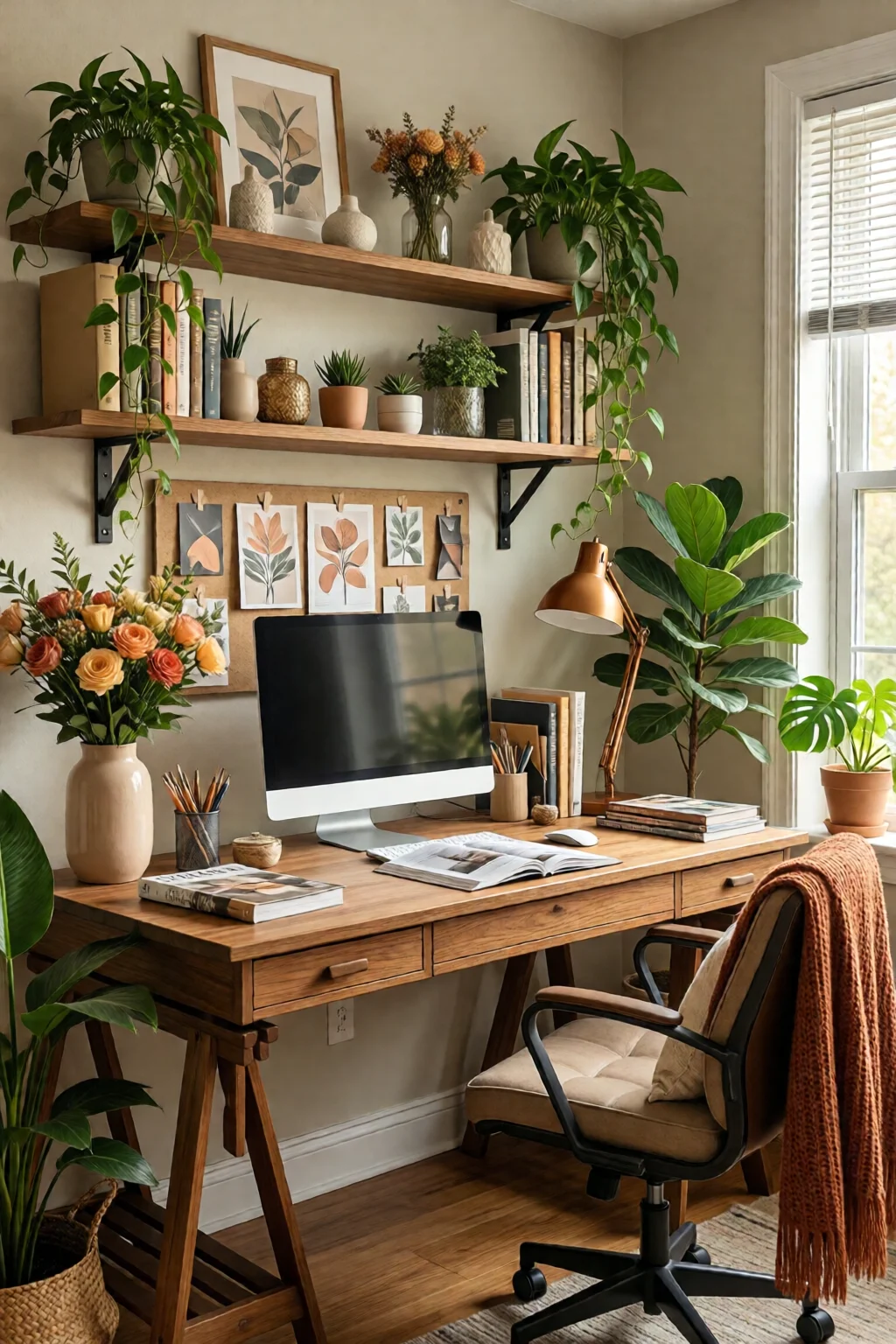
Tips for Best Results (Troubleshooting)
If you hit a snag, try these quick fixes:
- Desk wobbles – Place felt pads under the legs or tighten the bolts. If the floor is uneven, a shim (thin plywood) under one leg restores stability.
- Insufficient power outlets – Use a smart power strip with Wi‑Fi control (TP‑Link Kasa, $39) that adds multiple USB ports and can be turned off remotely.
- Clutter reappears – Schedule a 5‑minute “tidy‑up” at the end of each workday. Keep a small bin for “to‑file” papers and empty it weekly.
- Noise from chair – Add a felt chair mat or replace plastic casters with silent rubber wheels ($15 set).
- Screen glare – Install a matte screen filter (3M Anti‑Glare, $45) and adjust monitor tilt.
For a final polish, add a rug that defines the work zone. A 5 × 8 ft low‑pile rug (nuLOOM, $79) adds warmth without interfering with a standing desk’s movement.
FAQ
How much should I budget for a functional home office desk setup?
A solid setup can be built for $800‑$1,200. Allocate $300‑$500 for the desk, $200‑$400 for ergonomic chair and monitor arm, $100‑$150 for lighting, and $200‑$300 for storage and cable management. Prices vary by brand and size, but you can stay under $1,000 by choosing IKEA desks and repurposing existing storage.
Can I create a home office in a very small apartment?
Yes. Use a wall‑mounted floating desk (e.g., Sauder Harbor View, $199) and vertical storage like a tall bookshelf or pegboard. Keep the footprint under 30″ depth, and use a fold‑away chair or a compact ergonomic stool.
What are the best cable‑management tools for a clean look?
Cable raceways (J‑Channel), Velcro straps, and a desk‑mounted power strip with USB ports are most effective. For a sleek finish, paint the raceway to match the desk color. Label each cord to simplify future changes.
How do I choose the right desk height for a standing desk?
Measure the height from the floor to your elbows while standing; the desk top should be about 1‑2 inches below that point. Adjustable models like the Fully Jarvis let you set heights between 29‑50″, covering most users.
Where can I find more design inspiration for my home office?
Check out related articles such as bathroom storage ideas creative space, bathroom shower ideas walk in and tiled, and seasonal home decor ideas all year for cross‑room inspiration.
1 commentaire sur « Home Office Desk Ideas And Organization: Complete Guide for 2026 »